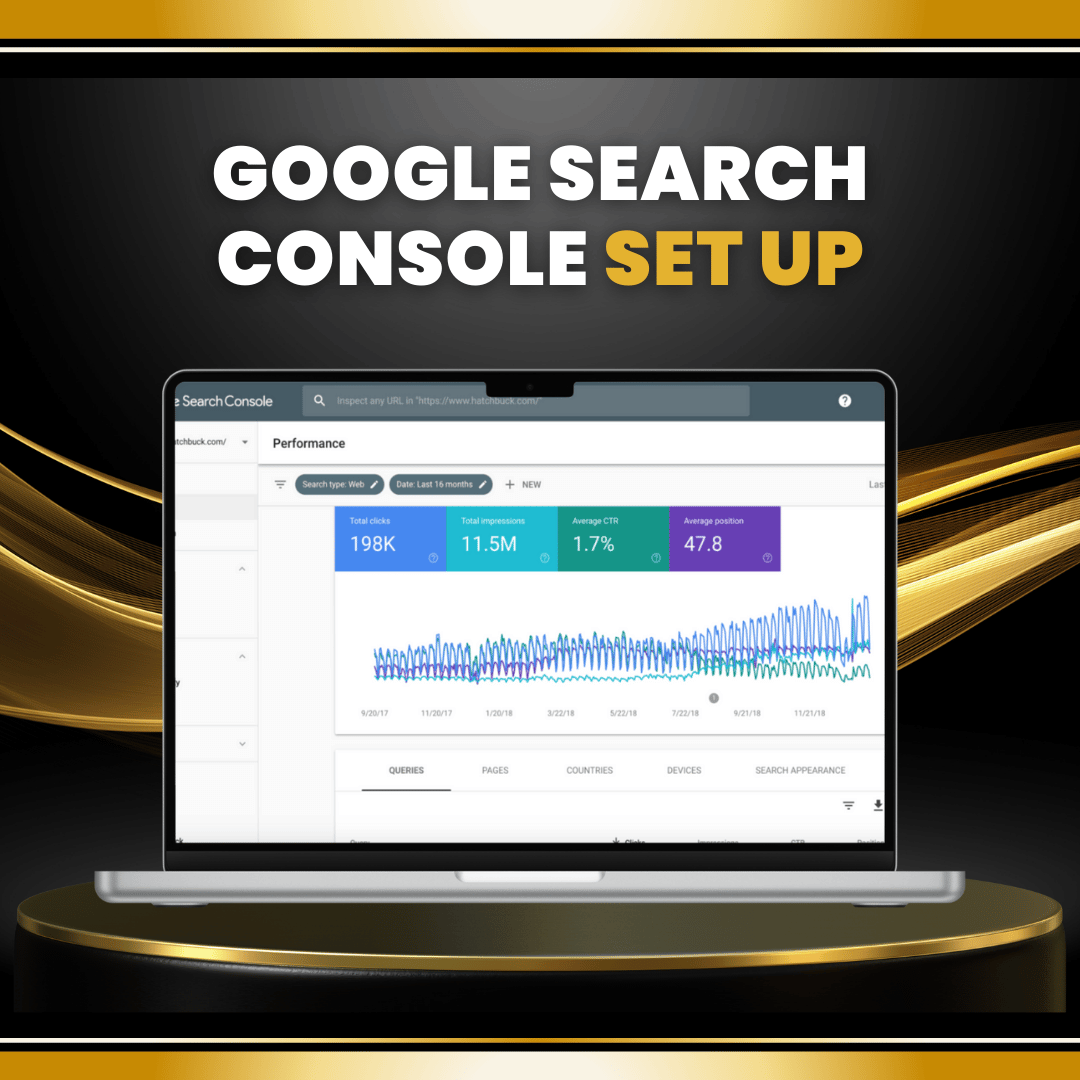
This service sets up and verifies Google Search Console for your website, ensuring you can track search performance, monitor indexing, and identify technical issues that affect rankings. It’s the foundation for strong SEO visibility and growth.
Detailed Description:
Google Search Console (GSC) is an essential tool for monitoring and improving your website’s SEO performance. With this setup service, we’ll create and configure your GSC property, verify ownership, connect it to Google Analytics (if applicable), and submit your sitemap to Google for proper indexing.
We’ll also configure search settings, review crawl status, and establish basic reporting so you can see keyword performance, impressions, and clicks. This ensures your site is properly monitored from day one, giving you the insights needed to improve rankings and visibility.
Service Scope:
Creation and verification of Google Search Console property
Submission of XML sitemap for indexing
Basic coverage & error review (crawl/indexing issues)
Connection to Google Analytics (optional, if setup exists)
Configuration of search preferences and property settings
Setup of performance reporting inside your portal
Objectives and Goals:
Verify website ownership with Google Search Console
Ensure site is indexed correctly by Google
Provide access to search performance insights (keywords, impressions, clicks)
Identify and flag potential technical SEO issues early
One-Time Setup Tasks:
Create and verify Google Search Console property
Submit XML sitemap
Connect Search Console with Google Analytics (if applicable)
Configure property settings and preferences
Review and flag initial crawl/index coverage issues
Provide setup summary report with key findings
Ongoing Tasks:
None (pair with SEO Management for ongoing monitoring and issue resolution)
The benefits of this package give you direct insight into your website’s search visibility and indexing health, including:
Verified ownership in Google Search Console
Sitemap submission to ensure proper indexing
Early detection of technical SEO issues
Search performance reports showing keywords, impressions, and clicks
A foundation for future SEO campaigns and growth
Impact on Business:
With Search Console properly set up, you’ll be able to track and improve search performance, uncover opportunities, and resolve issues that could be blocking your site from ranking.
To complete the setup, you’ll need to provide:
Access to your website (to verify ownership if DNS/HTML upload is required)
Access to your Google account (or new account creation if needed)
Your website sitemap (if already generated) or access to CMS for sitemap setup
Your role is primarily to grant access and approve verification. Once complete, you’ll have full visibility into your site’s performance in Google Search.
Initial Setup Timeline:
Day 1: Zoom onboarding call + setup access inside The Online Omniverse portal
Day 2–3: Property creation, verification, and sitemap submission
Day 4–5: Initial crawl/indexing review + reporting configuration
Day 6: Delivery of setup report and walkthrough
Ongoing Management Timeline:
Not included (monitoring and reporting available in SEO Management packages).
Communication Plan:
Kickoff onboarding Zoom call
Updates delivered inside The Online Omniverse portal
Final Zoom walkthrough to explain how to access and read your reports

Lorem, ipsum dolor sit amet consectetur adipisicing elit. Exercitationem, facere nesciunt doloremque nobis debitis sint?


.jpg)


.jpg)
.jpg)
.jpg)
.jpg)
.jpg)